


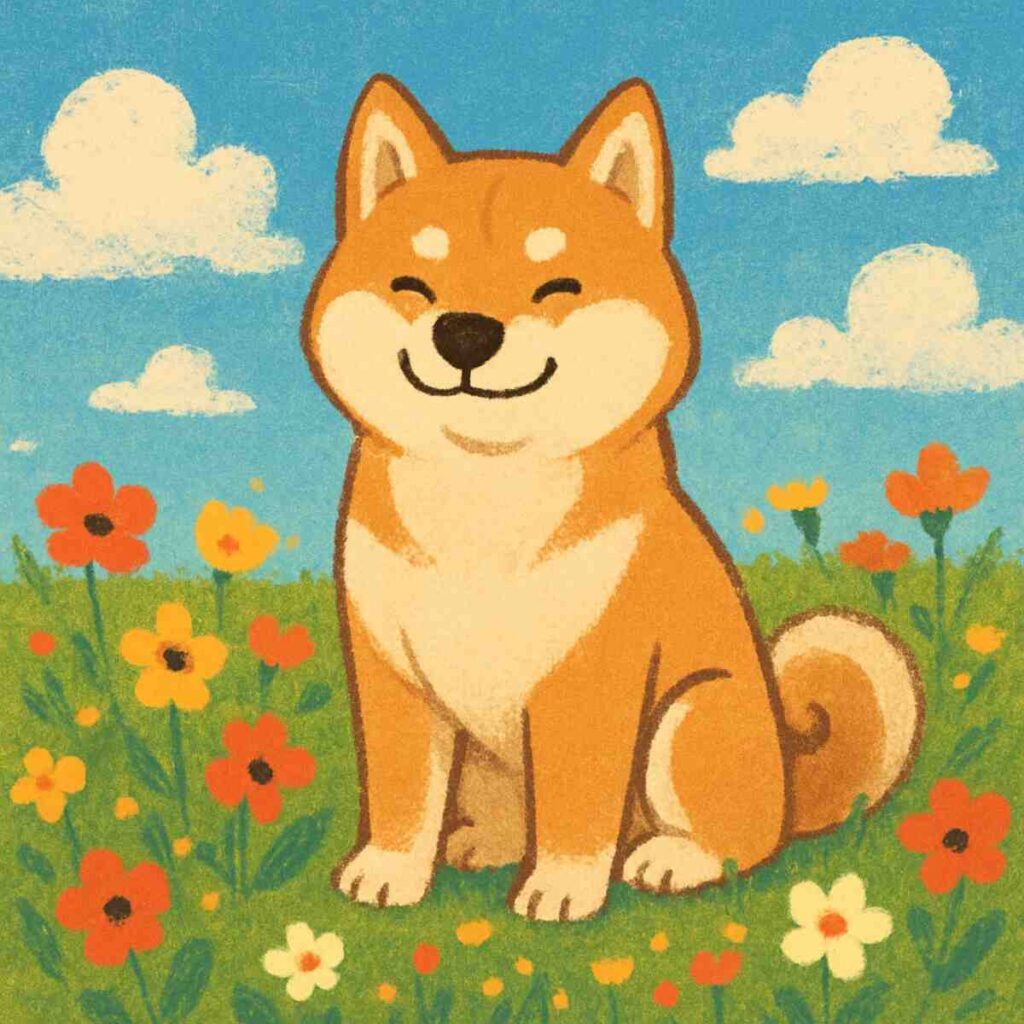
Digital art encompasses a broad range of practices that utilize digital technology as an essential part of the creative or presentation process. From graphic design to digital painting, the field of digital art is as expansive as it is innovative. The Amazing fact about sunset.
Digital art has evolved significantly since its inception. From early pixel art and basic digital illustrations, it has grown into a sophisticated medium that includes 3D modeling, animation, and interactive art. The evolution of technology has played a critical role in this transformation, with advancements in software and hardware enabling artists to push the boundaries of their creativity.
Digital art is not limited to just one style or technique. It includes a variety of forms such as digital painting, graphic design, pixel art, 3D modeling, animation, and mixed media. Each form has its unique characteristics and requires specific tools and skills. Understanding these different forms can help artists choose the right tools to express their creativity effectively.
Technology is at the heart of digital art creation. It provides artists with tools that offer unprecedented precision and versatility. From powerful graphics tablets to advanced software, technology enables artists to experiment with new techniques and styles, creating art that was once impossible with traditional media. As technology continues to evolve, so does the potential for digital art.
Essential Tools for Digital Art Creation
The selection of tools available for digital artists is vast, but certain programs have established themselves as industry standards due to their versatility and robust feature sets.
Adobe Photoshop: The Industry Standard
Adobe Photoshop is perhaps the most well-known digital art tool. Used extensively by graphic designers and digital artists alike, it offers a comprehensive suite of features for creating and editing images. Its capabilities range from photo manipulation to complex digital paintings, making it a versatile tool for artists at any level.
Layer Management and Composition
Photoshop’s layer system is one of its most powerful features, allowing artists to build complex compositions. Layers enable non-destructive editing, meaning artists can make changes without altering the original image. This capability is crucial for experimenting with different elements and effects, making it easier to refine and perfect artwork.
Diverse Brush Options
The vast array of brushes available in Photoshop is another reason for its popularity. Artists can choose from a wide variety of preset brushes or create their own custom brushes to suit their style. This flexibility allows for intricate detailing and a range of textures, from realistic to abstract, enhancing the artistic process.
Seamless Integration with Adobe Suite
Photoshop’s integration with other Adobe products, such as Illustrator and After Effects, provides a seamless workflow for artists who use multiple tools. This integration allows for easy transfer of files and assets between programs, enabling artists to combine vector graphics, animations, and more into their projects effortlessly.
Corel Painter: Designed for Artists
Corel Painter is a digital painting software specifically designed for artists. Its unique selling point is its natural media emulation, offering tools that mimic the look and feel of traditional art supplies.
Realistic Media Emulation
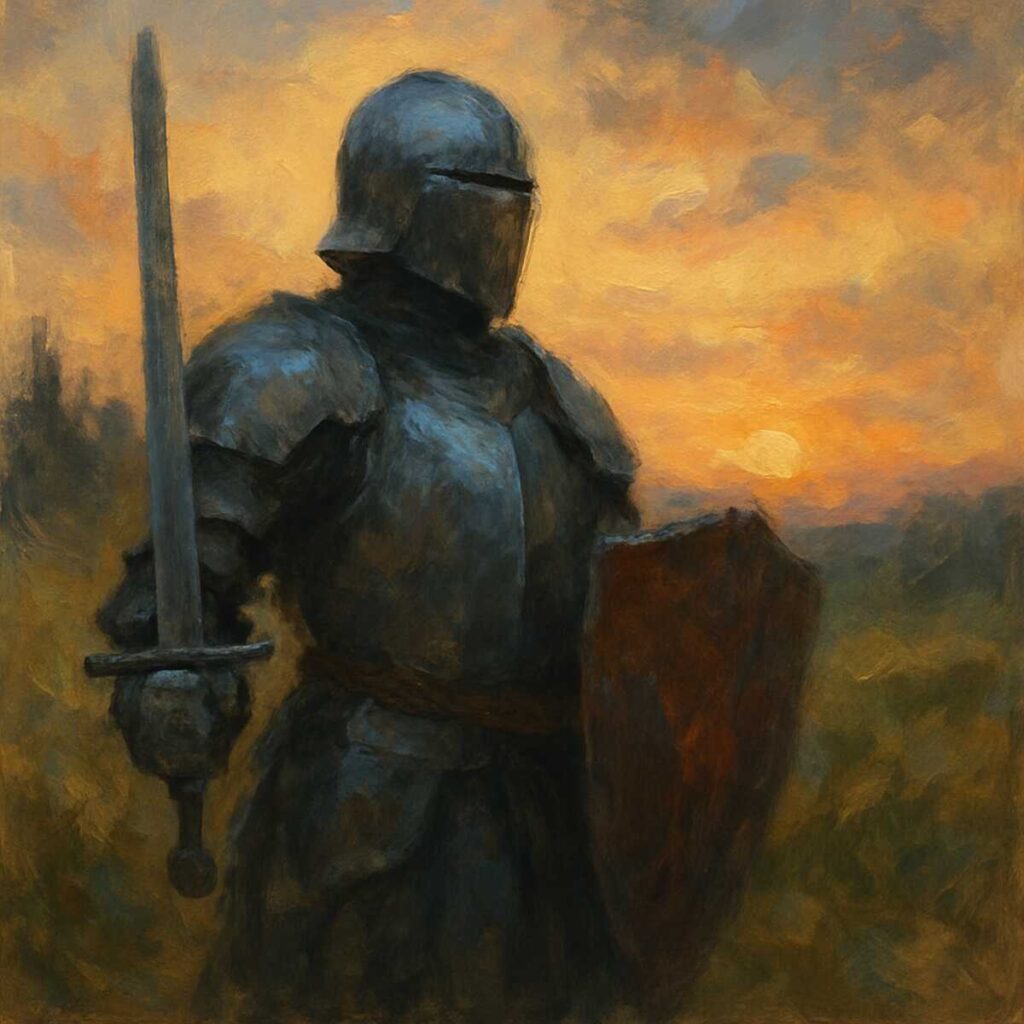
Corel Painter excels in its ability to emulate traditional art media. Artists can use brushes that replicate the behavior of oil paints, watercolors, charcoal, and more. This realism provides a familiar experience for artists transitioning from traditional to digital media, allowing them to create authentic-looking digital paintings.
Advanced Texture and Paper Options
Texture plays a vital role in adding depth and interest to artwork. Corel Painter offers advanced texture painting capabilities, allowing artists to incorporate various textures into their work. Additionally, the software provides a wide range of paper textures, enabling artists to replicate the feel of working on different surfaces.
Customizable Brushes and Tools
Artists can customize brushes and tools in Corel Painter to suit their unique style. This customization includes adjusting brush size, shape, and behavior, offering artists the flexibility to create personalized tools that enhance their creative process. The ability to tailor tools to specific needs makes Corel Painter a favorite among professional artists.
Procreate: Power on the Go
Procreate is an iPad-exclusive app that has gained popularity due to its powerful features and portability. It’s a favorite among artists who prefer to work on the go without compromising on quality.
User-Friendly Interface
Procreate’s intuitive interface is designed to be user-friendly, making it accessible to both beginners and experienced artists. Despite its simplicity, the app offers a range of powerful tools and features, providing a seamless experience that allows artists to focus on their creativity without being overwhelmed by complex menus.
Custom Brushes and Artistic Flexibility
The Brush Studio in Procreate offers artists the ability to create custom brushes, providing unlimited possibilities for artistic expression. Artists can experiment with different brush settings to achieve unique effects, allowing for creativity and flexibility in their work. This feature makes Procreate a versatile tool for various styles and techniques.
Time-Lapse and Workflow Sharing
Procreate’s time-lapse recording feature automatically captures the creative process, allowing artists to share their workflow with others. This feature is beneficial for creating tutorials, showcasing techniques, or simply sharing the evolution of a piece from start to finish. The ability to review and share the creative process is a valuable tool for learning and inspiration.
Clip Studio Paint: A Comic Artist’s Dream
Clip Studio Paint is particularly beloved by comic artists for its specialized features that cater to the creation of comics and manga. It offers tools for panel layout, perspective rulers, and more, making it ideal for sequential art.
Specialized Comic Creation Tools
Clip Studio Paint offers a comprehensive set of tools for comic creation, including panel layout features and speech bubble creation. These tools streamline the process of creating comics, allowing artists to focus on storytelling and artistic details rather than technical challenges. The software’s specialized features make it a preferred choice for comic and manga artists.
3D Models and Perspective Guides
The integration of 3D models in Clip Studio Paint provides artists with valuable reference material, aiding in the creation of accurate and dynamic compositions. Additionally, perspective rulers and guides help artists maintain consistent perspective throughout their work, ensuring professional-quality results.
Vector Layers for Precision
Vector layers in Clip Studio Paint allow artists to create scalable line art without quality loss. This feature is particularly useful for creating clean, precise artwork, as it enables easy editing and resizing without compromising the integrity of the lines. The flexibility offered by vector layers is invaluable for artists working on detailed illustrations and comics.
Advanced Tools for Specialized Art Forms
Beyond these standard applications, digital artists often delve into more specialized software for specific art forms.
Blender: A 3D Artist’s Playground
Blender is a comprehensive open-source 3D creation suite that supports the entirety of the 3D pipeline, including modeling, rigging, animation, simulation, rendering, compositing, and motion tracking.
Comprehensive 3D Modeling Tools
Blender’s extensive modeling tools provide artists with the capability to create detailed and complex 3D models. The software supports various modeling techniques, including sculpting and texturing, allowing artists to bring their visions to life in three dimensions. Blender’s versatility makes it a favorite among 3D artists and designers.
Advanced Animation and Simulation
Animation in Blender is highly advanced, offering features such as rigging, keyframing, and motion tracking. These capabilities allow artists to create realistic movements and intricate animations, suitable for films, games, and simulations. The software’s robust animation tools make it a go-to choice for animators and visual effects artists.
High-Quality Rendering Options
Blender provides high-quality rendering options, including real-time viewport preview and advanced lighting and shading tools. These features enable artists to produce professional-quality renders, enhancing the final presentation of their work. The ability to achieve photorealistic results is a significant advantage for artists working in 3D visualization and rendering.
ZBrush: Sculpting in the Digital Realm
ZBrush is the go-to software for digital sculpting and painting. Its features enable artists to create extremely detailed models, often used in game design and film production.
Dynamic Subdivision and Detail
ZBrush’s dynamic subdivision allows artists to work on models with high levels of detail without creating overly complex meshes. This feature is essential for sculpting intricate designs and textures, providing artists with the flexibility to refine their work without technical constraints. The ability to achieve fine detail is a hallmark of ZBrush’s capabilities.
Diverse Sculpting Brushes
The wide range of sculpting brushes available in ZBrush caters to various artistic needs, from rough blocking to fine detailing. Artists can choose from preset brushes or customize their own, offering the versatility to achieve unique textures and effects. This diversity in tools allows for a highly personalized sculpting experience.
Polypainting and Surface Detailing
Polypainting in ZBrush enables artists to paint directly on the surface of models without the need for UV coordinates. This feature simplifies the texturing process, allowing for seamless integration of color and detail. The ability to paint directly on the model enhances the creative process, providing artists with greater control over the final appearance.
Leveraging Technology to Enhance Creativity
While the aforementioned tools are instrumental in the creation of digital art, the real magic happens when technology enhances an artist’s creativity rather than constraining it. Understanding how to effectively use these tools is key to unlocking their full potential.
Practical Tips for Digital Artists
- Master the Basics: Familiarize yourself with the fundamental tools and functions of your chosen software. Understanding the basics allows you to build a strong foundation, making it easier to explore advanced features and techniques as you progress.
- Customize Your Workspace: Tailor your workspace to suit your workflow for efficiency. Organizing tools, panels, and shortcuts according to your preferences can streamline your creative process and reduce distractions, allowing you to focus on your art.
- Experiment with Brushes and Textures: Don’t hesitate to explore new brushes and textures to expand your artistic style. Experimentation is key to discovering new techniques and developing a unique artistic voice. Embrace the opportunities to try different tools and effects.
- Utilize Shortcuts: Learn keyboard shortcuts to speed up your process. Shortcuts can significantly enhance your efficiency, allowing you to perform tasks quickly and intuitively. Familiarizing yourself with these shortcuts can save time and improve your workflow.
- Keep Learning: Stay updated with new features and tutorials to continually enhance your skills. The digital art world is constantly evolving, and keeping up with the latest developments can provide new insights and inspiration. Engage with online communities, attend workshops, and explore resources to continue growing as an artist.
Conclusion
The realm of digital art offers limitless possibilities for artistic expression. By utilizing the right tools, artists can bring their visions to life with unprecedented precision and creativity. Whether you’re a seasoned professional or just starting your digital art journey, embracing these tools will undoubtedly enhance your artistic capabilities.
Harness the power of modern technology to create stunning digital art that captivates and inspires. The tools are at your disposal—it’s time to start creating.