


You’ve just bought a brand-new game, perfect for a long flight or a quiet weekend away. You settle in, launch it, and are stopped by a message that feels like a mistake: “For this game you need to be online.” But it’s a single-player adventure. You’re not trying to play with anyone else, so why does it need an internet connection? If this has happened to you, you know the frustration—and you are definitely not alone. To find more, check on UFAC4
It’s a common source of confusion: why do some games require an internet connection even for single-player mode? While it seems strange, there are a few key reasons, from features that protect your progress to security checks that protect the game’s creators. That “internet required” label can mean very different things from one game to the next.
Beyond the familiar need for online multiplayer, a game might use the internet to back up your save file, download new, ever-changing content like a TV show, or quickly “phone home” to confirm you have a real copy. Knowing what to look for on a game’s store page or box is the key to staying in control. You can spot these requirements before you spend your money, ensuring the next game you buy is one you can actually play, wherever you happen to be.
The Obvious Reason: Playing with Friends and Strangers
The most common and straightforward reason a game needs an internet connection is for multiplayer. To team up with your friend across town or compete against players across the globe, your game console or PC has to connect to a central hub. This is the foundation of almost all online gaming, allowing you to share a digital world with other people in real-time.
This experience comes in two main flavors. You have massive competitive games, like Fortnite or Call of Duty, where dozens of players battle it out to be the last one standing. But there are also cooperative (or “co-op”) games, like the popular adventure It Takes Two, where the entire point is to work together with just one or two other people to solve puzzles and overcome challenges as a team.
In both cases, the game connects to the company’s powerful main computers, often called servers. Think of a server as the digital referee and game board all in one. It keeps track of every player’s location, actions, and score to ensure the experience is fair and consistent for everyone involved. But connecting with others isn’t the only reason a game needs to phone home. Sometimes, it’s all about protecting your own progress.
Keeping Your Progress Safe: How the Internet Acts as a Digital Bookmark
Beyond playing with others, one of the most helpful reasons a game might need the internet is to protect the time you’ve invested in it. Think about the dozens, or even hundreds, of hours you might pour into a sprawling adventure. Traditionally, all that progress is saved directly onto your console’s hard drive. But what happens if the machine breaks, gets stolen, or you simply want to upgrade to a newer model? In the past, that often meant your game data was gone for good.
To solve this, many modern games use the internet to create a backup of your progress on the company’s secure computers. This feature is often called a “cloud save.” It works like a digital bookmark. Every time you finish playing, the game can send your latest progress to the internet, ensuring there’s always a safe copy stored away, completely separate from your physical console. It requires a brief connection, but the peace of mind is often worth it.
This means if you ever do get that new PlayStation or Xbox, you can just log into your account, and the game will retrieve your progress from the cloud, letting you pick up exactly where you left off. It’s a huge relief for anyone who’s ever lost a save file. But an internet connection doesn’t just protect what you’ve already done; it can also be the gateway to entirely new experiences within the same game.
The Game That’s Always Changing: Why Some Games Are Like a TV Show
Some games today are designed less like a book you read once and more like a TV series that gets new episodes. Instead of being a complete, finished product on day one, these games are built to evolve. To deliver these new adventures, challenges, and story updates, the game must connect to the internet to download them, ensuring every player has the same, most current version of the world. This model keeps the experience fresh for months or even years after you first start playing.
A classic game like Pac-Man is always the same. In contrast, a constantly evolving game needs the internet because it receives a steady stream of updates. This can include:
- New maps to explore
- Special holiday-themed events
- Additional story missions
- New outfits or items for your character
You can often spot these games by looking for words like “Seasons,” “Battle Pass,” or “Live Events” on the store page or in trailers. These terms signal that the game is built to grow over time, and an internet connection is your ticket to receiving that new content. This constant stream of updates is one major reason for an online check-in. However, there’s another common reason a game might need to phone home, and it has to do with making sure you have a valid ticket for the show.
The “Ticket Check”: How Games Verify You Own Them
Just like a concert needs you to show a valid ticket at the gate, some games need to perform a quick ‘ownership check.’ When you launch the game, it may briefly connect to the internet to confirm with the company’s computers that you have a real copy. This is one of the main ways game developers protect their work from being illegally copied and shared, which helps them fund the creation of new games. Usually, this check is fast and happens behind the scenes.
However, not all these ownership checks work the same way. For many games, it’s a simple one-time verification when you first install it. Once confirmed, you might not need an internet connection again for single-player mode. But other games require a constant connection, meaning they must be online the entire time you play. Think of it as the difference between showing your movie ticket once at the door versus having an usher who needs to see it every few minutes throughout the film.
This “always-on” requirement is a crucial detail to know before you buy. If a game demands a constant connection, you won’t be able to play it during an internet outage, on a long flight, or at a cabin without Wi-Fi. It effectively tethers your game to an internet source, even when you’re playing alone. Understanding this distinction is key to avoiding frustration, which is why it’s so important to know where to find this information before you click “purchase.”
How to Spot an “Online-Only” Game Before You Buy
So how can you tell if a game is one you can play offline or one that needs a constant connection? Thankfully, the answer is usually printed right on the packaging or store page—if you know where to look. Learning how to check if a game needs internet before buying is the best way to avoid any “connection required” surprises.
To make sure you’re never caught off guard, use this quick three-step check:
- On Physical Boxes: Flip the case over and look at the back cover, usually near the bottom where you see information about player count and required hard drive space. You’ll often find a notice like “Requires Internet Connection” or “Online Play Required.”
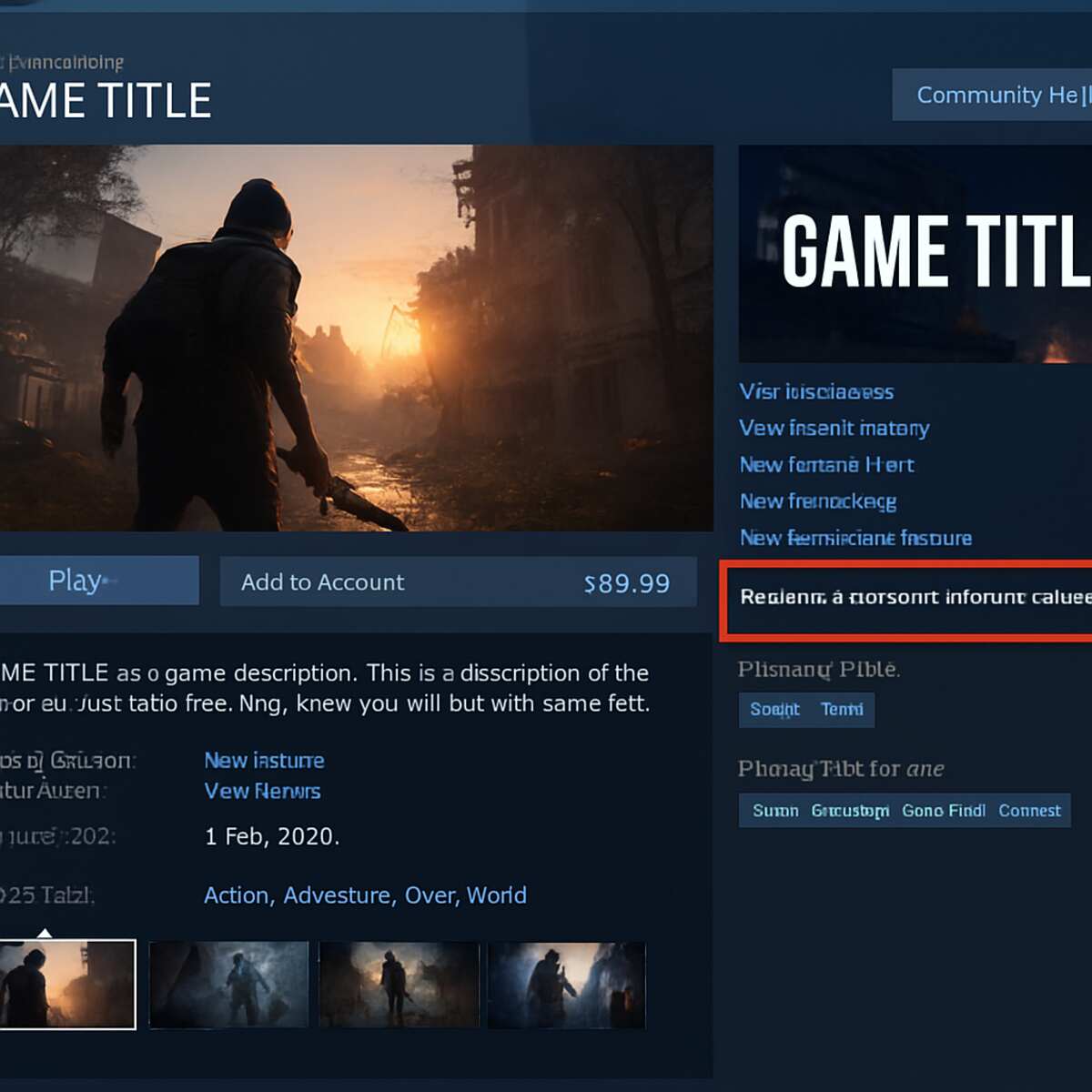
- On Digital Stores: Whether you’re on Steam, PlayStation, or Xbox, scroll down past the game’s description to the details section. This area lists key facts, and it’s where you’ll find warnings like “Requires a persistent internet connection to play.”
- Do a Quick Search: If the store page is still unclear, a simple web search is your best friend. Just type the name of the game followed by “offline play” (e.g., “Cosmic Quest offline play”).
This final step is a great way to see what other players are saying. You’ll quickly find discussions and articles from people who have already tested if the game works without an internet connection, giving you a real-world answer before you commit to your purchase.
What “Always-On” Really Means for You (And Your Travel Plans)
You’ve found the warning label, but what impact does an “internet required” message have on your actual gameplay? For some games, it’s a minor inconvenience. For others, it’s a deal-breaker. The difference comes down to whether a game needs a quick, one-time check or a constant, “always-on” connection. An always-on requirement means the game simply will not function without a live link to the internet, even if you’re playing the single-player story.
Think of it like this: a one-time ownership check is like showing your ticket at the theater door. You prove you belong, and you’re free to watch the movie without interruption. An always-on game, however, is like having an usher check your ticket stub every five minutes for the entire film. If the usher can’t reach you for even a moment—if your connection drops—the movie stops. The game needs to constantly talk to the company’s main computers to work.
Ultimately, this means you can’t play an always-on game on a plane, during a power outage, or on a long car trip. The game becomes completely dependent on your internet connection. Before buying, it’s worth asking yourself if that limitation fits your lifestyle. But what happens when your connection isn’t gone completely, but is just slow or unreliable?
Practical Tips for Unstable Internet
An unreliable internet connection can feel like a game-killer, but you have a few tricks up your sleeve. For games that only need a quick, one-time check to start, you can often use your phone’s mobile hotspot. Simply turn it on, connect your console or PC for a moment to get the game launched, and then you can usually disconnect and play offline. It’s a great workaround for getting past that initial digital bouncer when your home Wi-Fi is acting up.
If your problem isn’t just getting online but staying online, especially in fast-paced games where you notice stuttering or delayed actions (often called “lag”), the culprit might be your Wi-Fi. Wireless signals travel through the air and can be weakened by walls or other electronics. For a much more stable experience, try a wired connection. Plugging an Ethernet cable directly from your internet router to your console or PC creates a direct physical link that isn’t as prone to interference.
Sometimes, however, the problem isn’t your connection at all. Game companies run massive computer servers to keep everything working, and they can have outages, too.
Quick Tips for Bad Internet:
- For one-time checks: Use your phone’s mobile hotspot to start the game.
- For laggy online play: Try a wired Ethernet cable instead of Wi-Fi.
- For frequent disconnects: Check the game’s official server status page (search “[Game Name] Server Status”).
This reliance on company servers raises a critical question for the future of your games. What happens when a company decides to turn them off for good?
The Ghost Town Problem: What Happens When the Plug is Pulled?
That reliance on company servers leads to a serious long-term risk. When a game is no longer popular or profitable enough to maintain, a company might decide to shut down its servers for good. For an online-only game, this is a death sentence. It effectively turns the game into a digital ghost town; even if it’s installed on your machine, trying to play it is like walking up to a locked and abandoned building. Because the game can’t “phone home” to get permission to run, it simply won’t start, rendering it completely unplayable for everyone, forever.
Unlike an old game cartridge you can pop into a console decades later, an online-only game’s lifespan is entirely out of your hands. The game you paid for can effectively vanish with the flip of a switch. Many racing and shooter games that required a constant connection have already met this fate, turning the disc on your shelf into little more than a coaster. It highlights a fundamental shift: you may own the disc or the digital download, but you are only renting access to the service that makes it work.
This growing problem has sparked an important conversation around game preservation—the effort to save games from becoming permanently lost to time. Just as we work to preserve old films and books for future generations, players and historians are searching for ways to keep these digital worlds from disappearing. This uncertainty is exactly why many people still cherish games that stand completely on their own, offering an experience that no one can ever take away.
The Joy of Unplugging: Great Games That Don’t Need Any Internet
Given the risks of server shutdowns and connection issues, it’s completely understandable to want a game that just works, no strings attached. The good news is that some of the most celebrated video games of all time are built to be timeless, self-contained experiences. These are the kinds of games you can buy today and know with certainty that you’ll still be able to play them years from now, on a trip, or during an internet outage. They offer peace of mind and an adventure that is truly yours, from start to finish.
If you’re looking for a great place to start, nearly every game in the following list has been praised by critics and loved by millions of players. They offer hundreds of hours of gameplay without ever needing to connect to the internet (after the initial download, of course).
Fully Offline Masterpieces:
- The Witcher 3: Wild Hunt: A massive fantasy world filled with monsters and meaningful stories.
- The Legend of Zelda: Breath of the Wild: An open-world adventure that encourages creativity and exploration.
- Red Dead Redemption 2: A stunningly realistic Wild West story about outlaws in a changing world.
- Elden Ring (in offline mode): A challenging but rewarding journey through a dark and mysterious land.
- Stardew Valley: A charming and relaxing game about building a farm and a new life.
Becoming a Smarter Gamer in an Online World
The “Internet Required” message on a game box no longer has to be a mystery. You now know that it can mean anything from connecting with friends and backing up your progress to downloading new content or verifying your purchase. Each reason tells a different story about how the game is designed to work.
This knowledge puts you back in control. Before you click “buy,” take a moment to check the online requirements on the store page or the back of the case. This simple step is the most powerful tool you have for choosing the right game for any situation—whether it’s a long flight, a cabin with spotty Wi-Fi, or an online world to share with friends. You can spot the difference and make the choice that’s right for you, ensuring your next gaming experience starts with excitement, not an error message.
