


You’ve seen them everywhere: on restaurant tables, concert tickets, and the back of your favorite snack box. Those little black-and-white squares are QR codes, and you’ve probably scanned one with your phone to see a menu or get a discount. But have you ever wondered how to create one for yourself? It’s surprisingly simple and far more useful than you might imagine for connecting your real-world projects to the digital world. Obtain the Best information about generator code qr.
Think of a QR code as a physical hyperlink. It’s a scannable bridge that instantly takes people from a physical object, like a business card or a for-sale sign, to an online destination. Instead of someone needing to type out a long web address, they just point their camera, and they’re there. These scannable codes close the gap between seeing something in person and engaging with it online.
You can create your own QR codes for free in under a minute. Whether you need to get people from a printed flyer to your website or are simply tired of spelling out your long Wi-Fi password for every new guest, there’s a QR code for that. Countless personal and business tasks become easier with this simple, free tool.
This guide covers what QR codes are used for and explains the single most important choice you’ll make when creating one: choosing between a permanent (static) code and an editable (dynamic) one. By the end, you’ll be able to make the right code for any situation.
How Do Scannable Codes Actually Work? (The Simple Answer)
At its core, a QR code generator acts as a special kind of translator. It takes everyday information—like a website link or a Wi-Fi password—and converts it into a unique black-and-white square pattern that a machine can read. Your smartphone’s camera then acts as the reverse translator, instantly converting that pattern back into the original information.
Why do some QR codes look more complicated than others? You’ve probably noticed that some QR codes look sparse and simple, while others are a dense jumble of tiny squares. This isn’t random; it directly relates to how much information is being stored. A short, simple web address will create a cleaner-looking code. In contrast, a code containing a full contact card (name, phone, email, and address) will be far more complex because the pattern has to hold much more data.
Your phone’s camera handles all the heavy lifting, decoding the pattern in the blink of an eye. All you need to focus on is what information you want to share, which brings us to the most important choice you’ll make when creating a code.
The Single Most Important Choice: Static vs. Dynamic QR Codes
When you generate a QR code, you’ll face one critical decision that determines its future flexibility: should it be Static or Dynamic? The easiest way to understand the difference is to think of it like writing with a pen versus writing on a whiteboard. One is permanent, and the other can be changed as needed.
A Static QR Code is like writing in permanent ink. The data you provide—whether it’s a website link or a line of text—is encoded directly into the black-and-white pattern itself. Once the code is created and printed, its function can never be changed. If the website link you used breaks or you want it to point somewhere else, you’ll have to create and distribute a brand new QR code. This makes them a permanent QR code, suitable only for information that will never, ever change.
In contrast, a Dynamic QR Code is the whiteboard. The scannable pattern doesn’t hold your final destination link. Instead, it points to a special, flexible “middleman” link that you can control. This means you can change where that middleman link sends visitors anytime you want, even after your code has been printed on a thousand flyers. This makes it an editable QR code after printing, which is incredibly powerful. You can also track how many times it has been scanned.
So, when comparing dynamic vs static QR code options, which one should you choose? For most business, marketing, or long-term projects, a dynamic code is the safer, more professional choice.
- Static (The Pen): Permanent and unchangeable. Best for fixed information like a Wi-Fi password or your email address.
- Dynamic (The Whiteboard): Editable, trackable, and flexible. Best for websites, marketing campaigns, business cards, and menus.
How to Make a QR Code for a Link in Under 60 Seconds
Ready to create your first QR code? Turning a website link into a scannable code is a simple process you can complete in less than a minute. You can immediately create a QR code for a website that directs customers to your page, guests to an event registry, or friends to a photo album.
Most online generators allow you to use a free QR code maker for static links without even creating an account. While the exact layout might vary slightly from site to site, the core process for how to make a QR code for a link is always the same:
- Choose your content type. Select the option for “URL” or “Website.”
- Paste your link. Copy the full web address (e.g., https://www.yourwebsite.com) and paste it into the provided text box.
- Generate and Download. Click the “Generate” or “Create QR Code” button, and your image will appear instantly, ready for you to save.
Before you download, you’ll be asked to choose a file format. For the best quality, always save the image as a PNG or SVG file. These are high-resolution formats that ensure your code stays crisp and scannable, especially if you plan to print it on a flyer or business card. A blurry, unreadable code is a missed opportunity, so choosing the right format is a crucial final step.
Why You Should Customize Your QR Code with a Logo
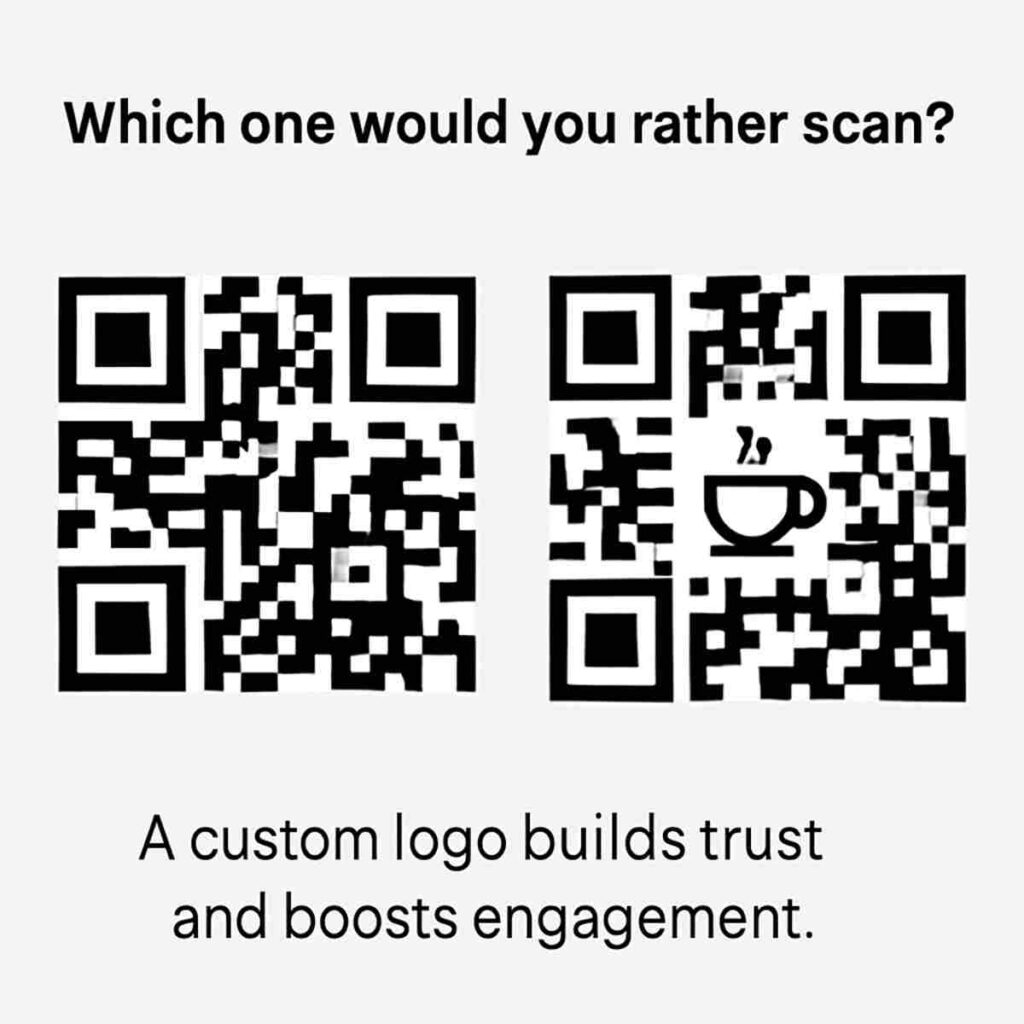
Now that you have your basic black-and-white QR code, how can you make it stand out? From a user’s perspective, scanning a mysterious square requires a small leap of faith. A custom QR code with a logo immediately answers the question, “Where is this taking me?” by showing your brand. This simple addition builds trust and has been shown to increase the number of scans, as people are more confident scanning a code they recognize.
Beyond simply looking better, a branded QR code becomes an integrated part of your marketing materials. Instead of being a clunky, functional block, it can match your brand’s colors and aesthetic. This turns the code from a simple tool into a professional design element on your business cards, packaging, or event posters. It signals a level of detail and care that reflects well on your entire brand.
Creating a branded QR code is straightforward. Most QR code generators offer simple design tools that let you upload a logo and change colors in just a few clicks. Your logo is automatically placed in the center without breaking the code, allowing you to create a more effective and visually appealing link to your digital world.
The 5 Most Useful Things You Can Do With a QR Code (Beyond Just Links)
While linking to a website is the most common use for a QR code, that’s just scratching the surface. The real power of these codes is their ability to trigger specific actions on a smartphone, saving your audience time and eliminating the hassle of typing. Instead of just showing information, you can make things happen instantly.
Most QR code generators let you create a variety of powerful, action-oriented codes with just a click. The process is the same—you just choose a different type of code to create. Here are five of the most useful options:
- Wi-Fi Access: Tired of spelling out your complex Wi-Fi password for every guest? You can generate a QR code for your Wi-Fi password that lets them scan to connect instantly and securely.
- Digital Business Card (vCard): When someone scans this code on your business card, they get a prompt to save your name, number, and email directly to their phone’s contacts. It’s the fastest way to network.
- Google Maps Location: Create a QR code for a Google Maps location to guide people directly to your event, storefront, or meeting spot. A single scan opens their map app with the destination pre-filled.
- Pre-written SMS or Email: Perfect for gathering feedback or RSVPs. A user scans the code, and their messaging app opens with a pre-filled recipient and subject line, ready to go.
- App Store Link: Automatically directs users to your app’s page on either the Apple App Store or Google Play Store, depending on what kind of phone they have.
Creating these advanced codes is just as simple as making one for a web link; you just select the right type in your generator and fill in the fields. But now that you’re creating these powerful tools, are people actually scanning them? Understanding who is engaging with your code is crucial.
How to Track Your Scans: Seeing Who, Where, and When
Once you’ve put a QR code out into the world on a poster or business card, you’re probably wondering: is anyone actually using it? This is where the magic of dynamic QR codes truly shines. Unlike their static counterparts, dynamic codes come with built-in analytics, giving you a behind-the-scenes look at how your code is performing without revealing any personal user data. Think of it as a report card for your real-world marketing efforts.
These analytics go beyond a simple scan count. A good QR code creation tool for business will show you a simple but powerful story through three key pieces of information: how many people scanned your code, the general location where it was scanned (like the city), and the time of day they scanned it. Imagine you’re a musician with flyers for a show in two different neighborhoods. By checking your QR code analytics, you can see which flyer is generating more ticket sales, helping you focus your efforts where they matter most.
This ability to track performance is the single biggest reason to choose a dynamic QR code for any business or marketing goal. It transforms a simple printed square from a passive link into an active tool that provides valuable feedback. Static codes, on the other hand, are like sending a message in a bottle—once they’re out there, you’ll never know if anyone saw them. Of course, this tracking brings up an important point about data, raising a valid question for the user: Are QR codes safe?
Are QR Codes Safe? 3 Simple Rules to Scan with Confidence
With all this talk of tracking, it’s natural to ask: are QR codes safe to use? For the most part, yes. The QR code itself is just a picture; it can’t harm your phone. The risk comes from where the code sends you. Scammers can use QR codes to direct you to malicious websites designed to steal your information—a tactic known as “QRishing,” which is simply phishing through a QR code. The danger isn’t the code itself, but the fraudulent website it leads to.
Fortunately, staying safe is straightforward. By building one simple habit—pausing before you tap—you can avoid nearly all QR code scams. Before scanning any code, especially one in a public space, just follow these rules:
- Check for tampering. Does the QR code look like a sticker placed on top of another one? Scammers often cover legitimate codes on posters or menus with their own malicious ones.
- Preview the link. Your phone’s camera shows a preview of the website address before opening it. If you’re at a coffee shop, does the link look like Starbucks.com or a random, confusing address? If it looks suspicious, don’t tap.
- Be wary of unexpected requests. If a code takes you to a page that immediately asks for a password, login information, or to download an app, it’s a major red flag.
Ultimately, QRishing relies on you acting without thinking. By simply being mindful and checking the link preview, you can confidently use QR codes everywhere you find them.
5 Essential Tips for a Perfect, Scannable QR Code
Creating your QR code is the easy part. The real test comes when someone tries to scan it from a printed flyer, a business card, or a t-shirt. A few simple mistakes—making it too small, using clashing colors, or not leaving enough space around it—can make your code completely unscannable. Following a few QR code best practices ensures your code works perfectly every time.
For your code to be effective in print, size and contrast are your two most important considerations. A good rule of thumb is to make your QR code at least 1 inch by 1 inch (or 2.5 x 2.5 cm). Anything smaller becomes difficult for phone cameras to focus on. Just as crucial is contrast; a dark code on a light background (like black on white) is the most reliable combination. While creative colors can look great, a light yellow code on a white background will likely fail.
Beyond the basics, you also need to give your code some “breathing room.” This empty margin, often called a Quiet Zone, acts like a frame, helping cameras instantly distinguish the code from its surroundings. Without this clear border, scanners can get confused. Similarly, you need a sharp, clear image. When you download your code, always choose a high-resolution QR code for print (like an SVG or high-quality PNG file) to prevent it from looking blurry and unreadable.
The single most important rule is to always test your code before you print! Before you order 500 business cards, run through this quick checklist:
- Size Matters: Is it at least 1×1 inch?
- High Contrast is Key: Is it easy to see against the background?
- Leave a “Quiet Zone”: Is there a clear border around the code?
- Use a High-Resolution File: Did you download a print-quality version?
- Test, Test, Test: Scan it with your own phone (and a friend’s!) to be sure.
You’re Now a QR Code Creator: What to Make First
That black-and-white square is no longer just a box you scan—it’s now a tool you can build. You have the power to connect a physical poster to a digital video, a business card to a portfolio, or a simple flyer to an online form. The gap between the real world and the online world is one you can now bridge in seconds using a QR code generator.
As you start to create QR codes, hold onto two principles for guaranteed success. For anything that might change, like a marketing link or event details, a dynamic QR code offers priceless flexibility. And before you commit to printing, always scan the final version with your own phone first. This simple, five-second test is the most important step in the entire process.
A great first project is to create a QR code for your home Wi-Fi network and stick it on the fridge for guests. See how a once-annoying task becomes a simple, impressive scan. You’ve just solved a real-world problem with your new skill, and this is only the beginning.